Create Transparent Portrait Images
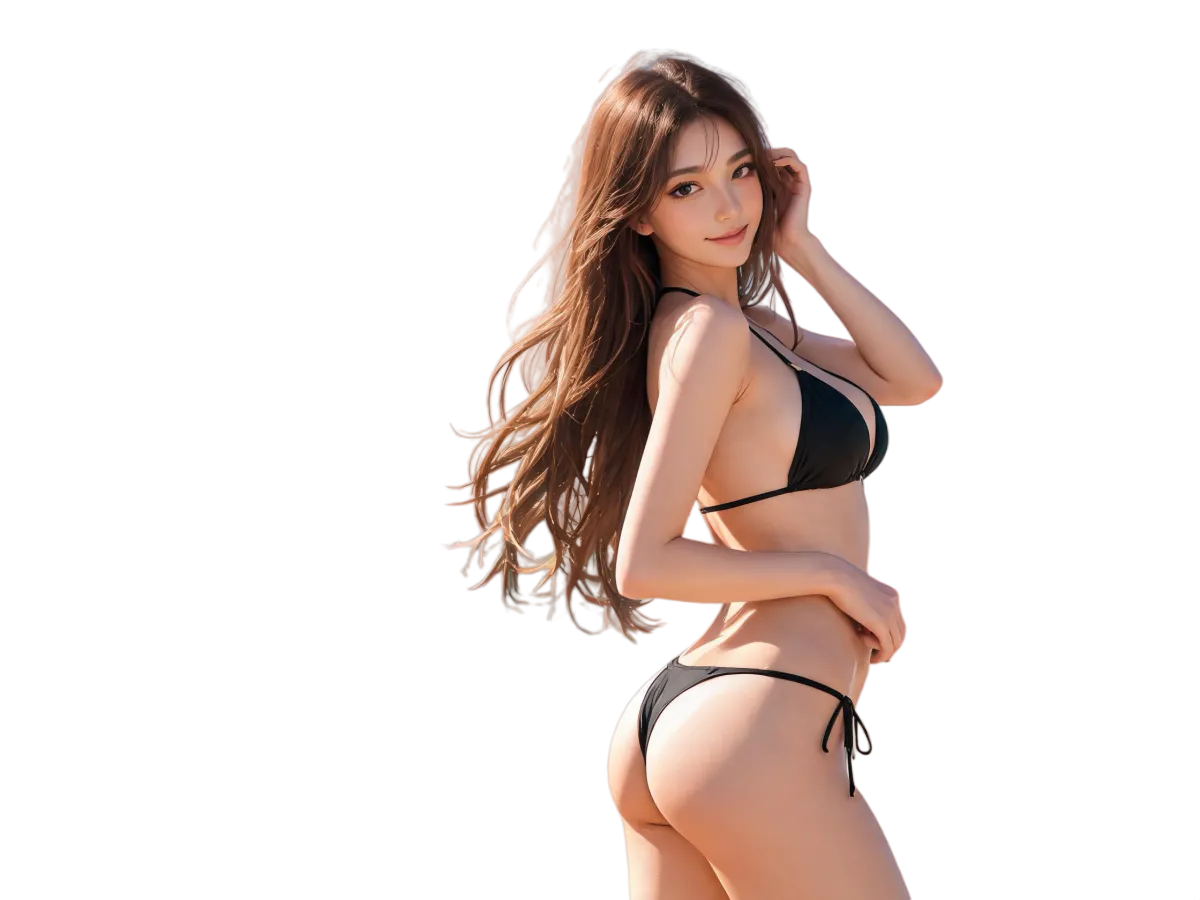
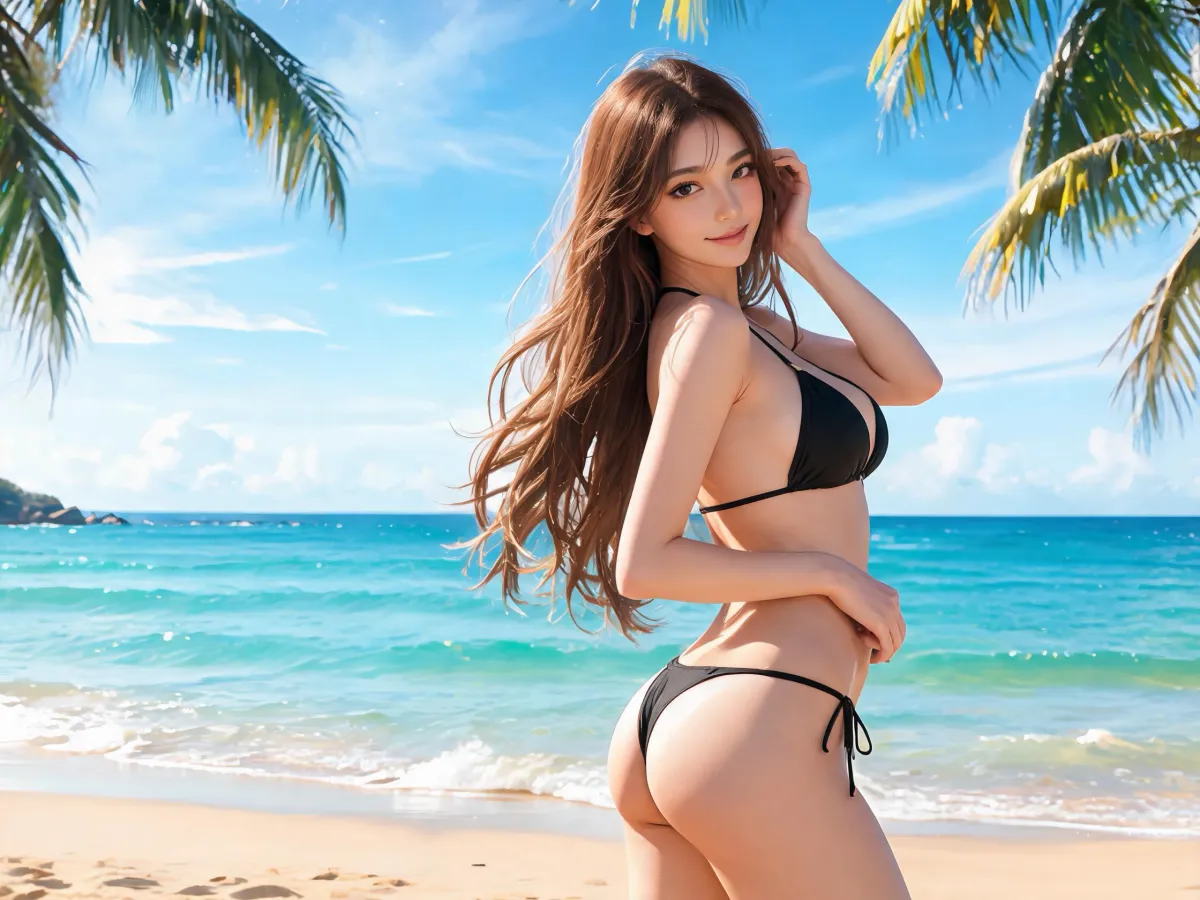
Remake a portrait as a transparent image for profile graphics, thumbnails, posters, and social content. Clean hair and natural contours make it easy to place in a new layout.
Turn your images and ideas into transparent PNGs with AI.
Remake a portrait as a transparent image for profile graphics, thumbnails, posters, and social content. Clean hair and natural contours make it easy to place in a new layout.
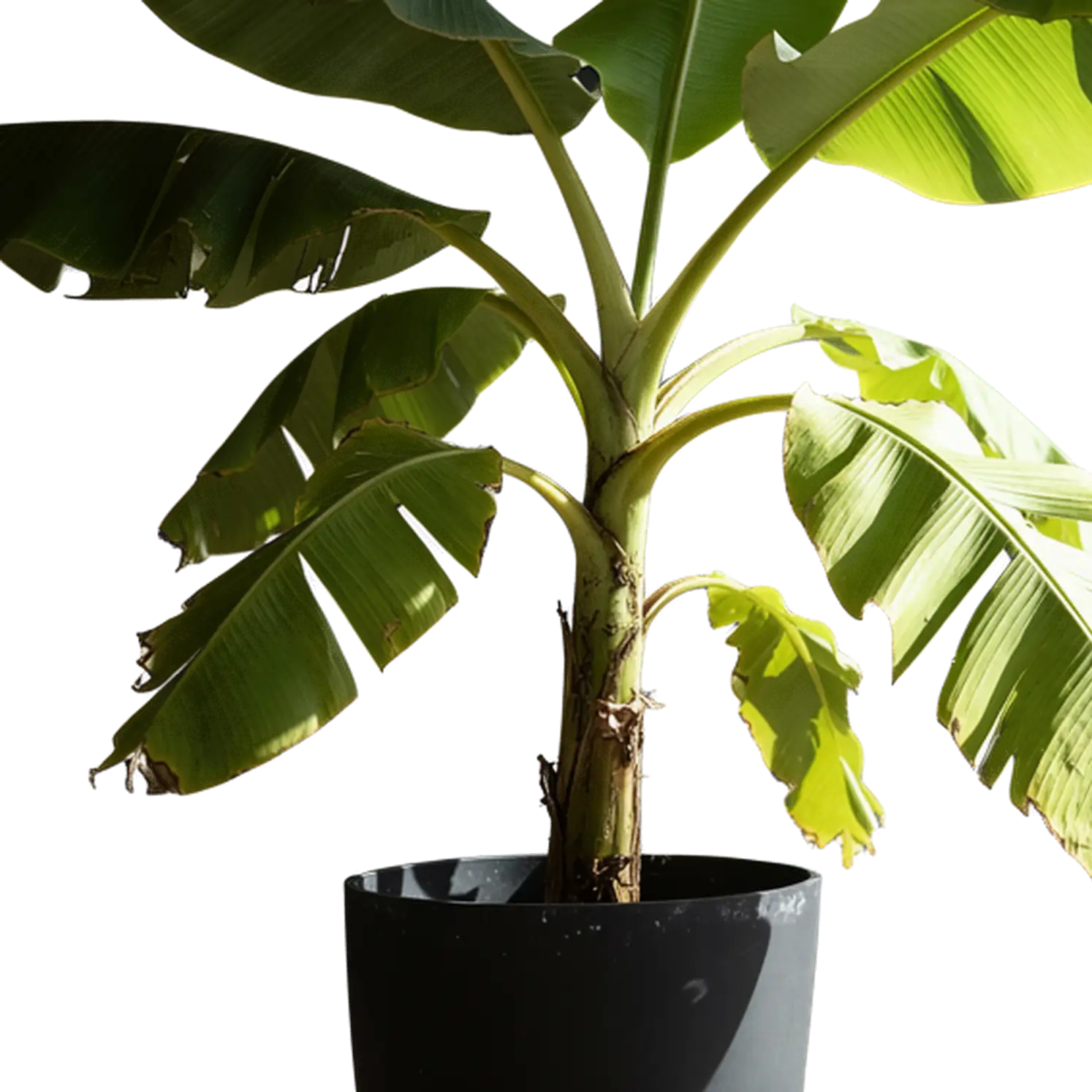
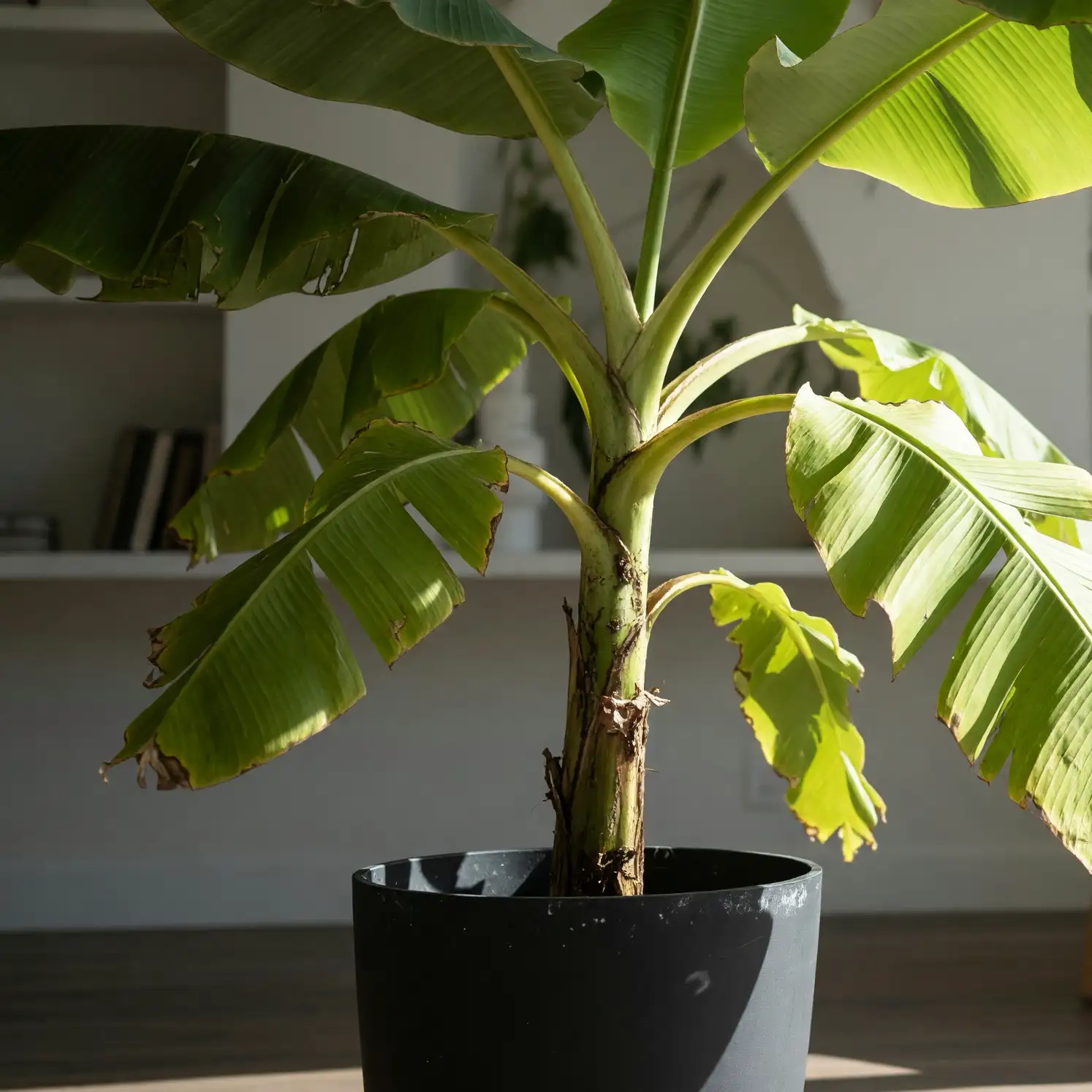
Turn a product photo into a transparent asset for store listings, ads, catalogs, presentations, and social campaigns. Place it on a new background without rebuilding the layout.
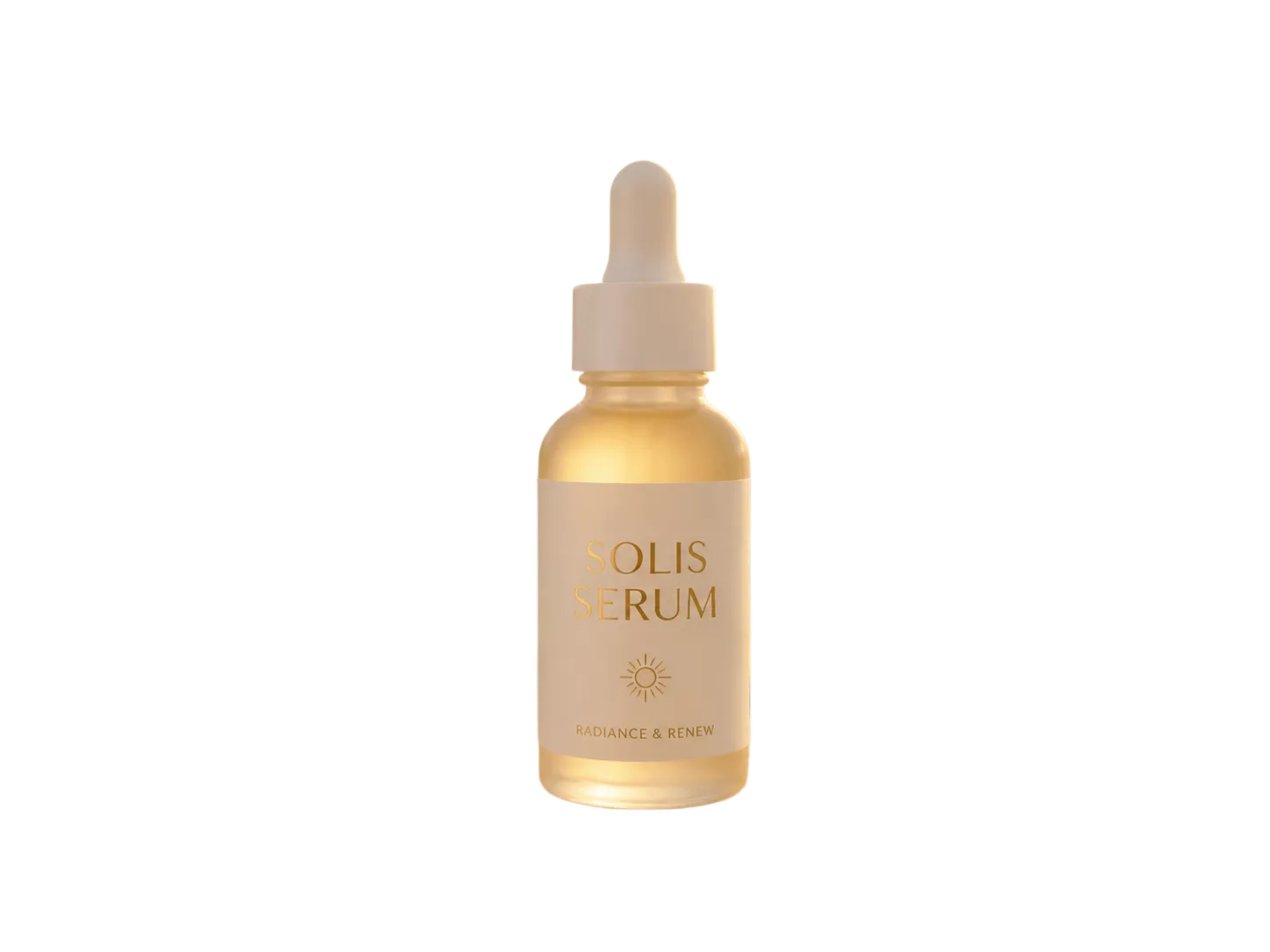
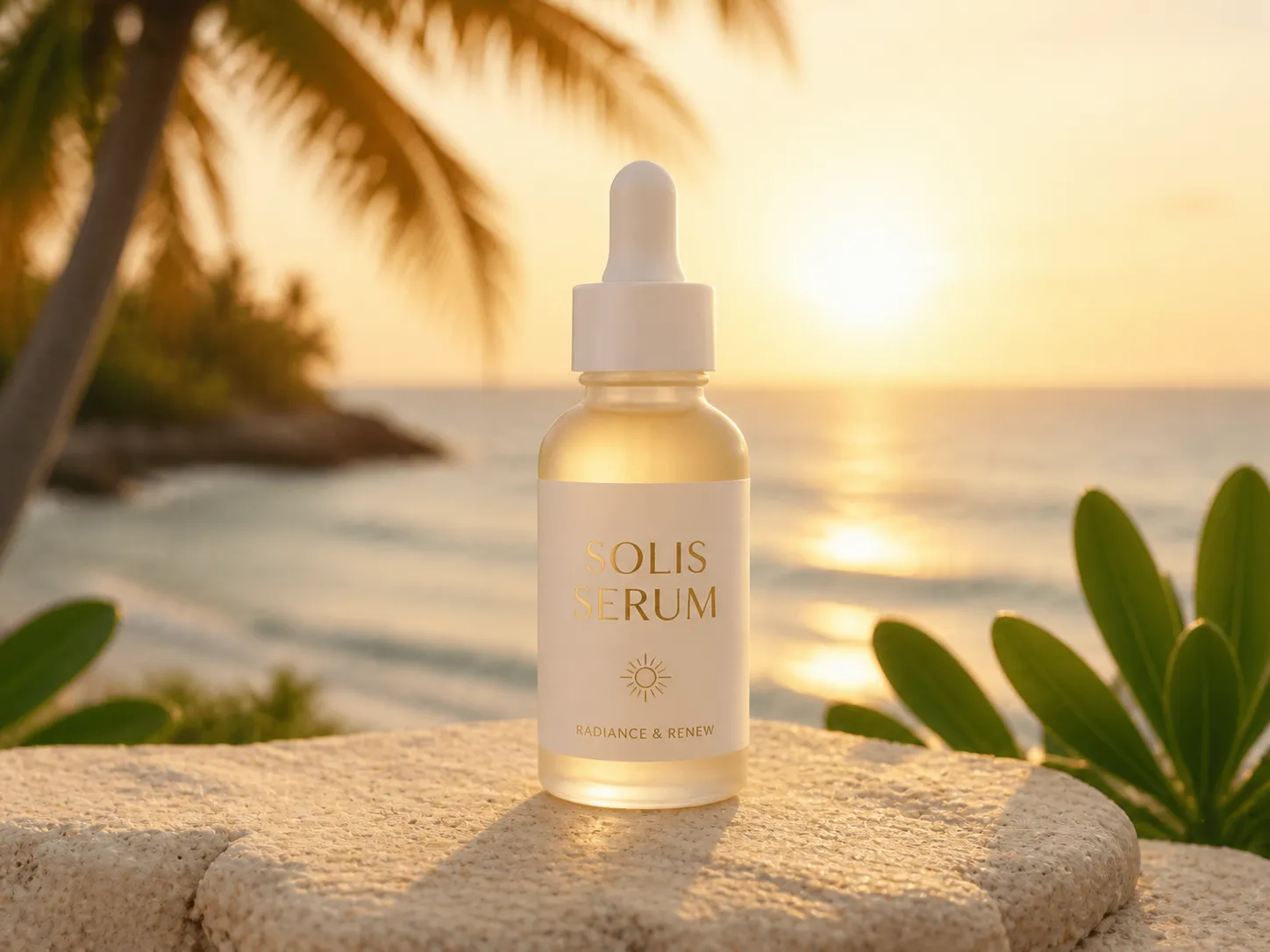
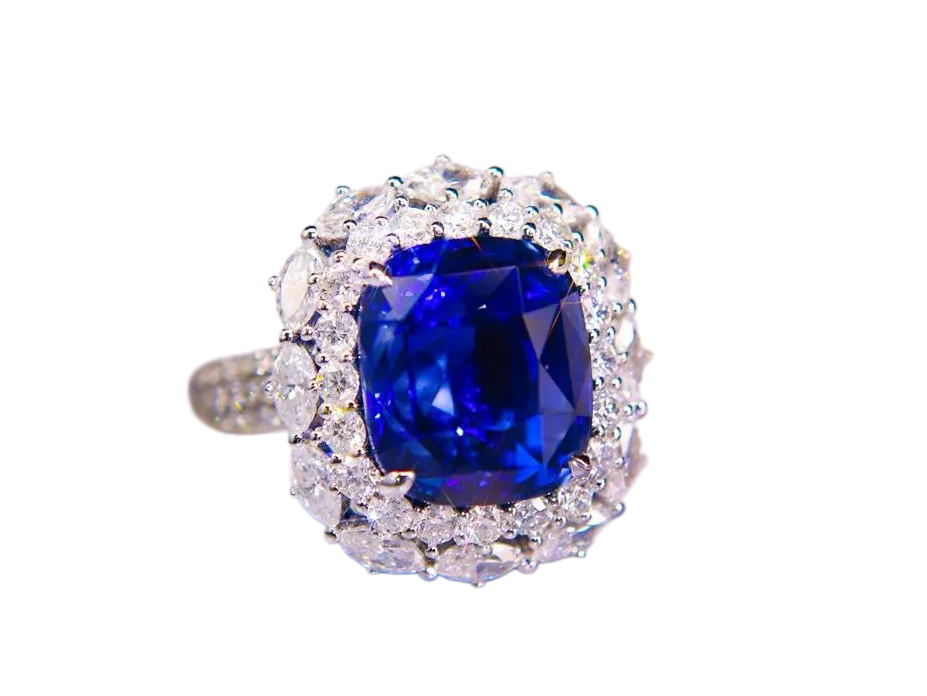
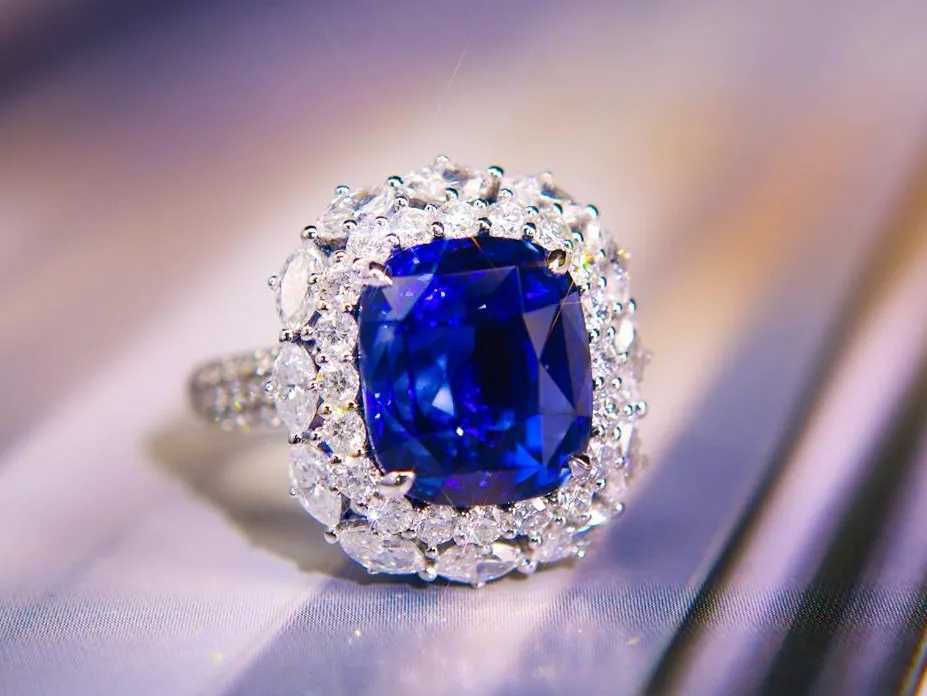
Create clean transparency around jewelry, accessories, illustrations, and intricate objects, including reflective surfaces and delicate shapes.
Start with an image you already have, or start with nothing but an idea. Both modes give you a transparent PNG image ready for your next design.
Upload a portrait, product, logo, character, or graphic. AI remakes the subject with a transparent background and cleans up difficult edges. Small details may vary in a generative remake.
Remake ImageDescribe the asset you need—from a product render to a sticker, icon, game item, effect, or character. AI creates it as a transparent PNG image, ready to use without cutting it out first.
Create from TextNeed to keep the original image unchanged? Use Background Remover for a direct cutout instead.
Create reusable assets that move easily between websites, store listings, presentations, social content, videos, games, and design tools.
Turn product ideas or source photos into clean, placement-ready transparent assets for listings, ads, bundles, and comparison graphics.
Create playful stickers, reaction graphics, badges, and die-cut artwork with sharp silhouettes and clean outlines.
Generate focused objects, symbols, and interface elements that drop cleanly into apps, websites, and prototypes.
Build isolated characters, props, collectibles, items, and visual effects for games, streams, thumbnails, and community content.
Remake simple marks or generate mascots, emblems, decorative elements, and campaign visuals that work across changing backgrounds.
Create smoke, sparks, glow, clouds, frames, shadows, and decorative effects that layer naturally over images and video.
One focused workspace for fast, reusable transparent assets—whether you already have an image or are starting from an idea.
Skip tracing, masking, and manual erasing. Go from an upload or a short description to a transparent image in moments.
Create cleaner contours around hair, fur, fabric, reflective surfaces, intricate objects, and other details that are difficult to isolate by hand.
Generate a completely new transparent asset from text, or use an existing image as the starting point for a transparent remake.
Choose the aspect ratio that fits your layout and generate at 1K, 2K, or 4K for everything from small graphics to high-detail creative work.
Go from a photo or prompt to a transparent PNG in three simple steps.
Select “Remake Image” to transform an existing visual, or “Create from Text” to make a new transparent asset from a description.
Add one source image, or describe the subject, style, view, materials, colors, and lighting you want. Then choose your aspect ratio and output size.
Let AI create the transparent result, review it against the transparency preview, and download the PNG when it looks right.
Give AI a clear creative direction and spend less time generating variations.
For image remakes, use a source where the main subject is easy to recognize. A clear silhouette gives AI a stronger starting point.
For text generation, begin with the subject, then add its style, view, materials, colors, lighting, and intended visual mood.
Ask for one clear subject when you need a reusable asset. Crowded scenes are harder to turn into clean transparent elements.
Compare the result with your source and generate another variation when you want a different look or stronger detail.
Everything you need to know about making transparent images with AI
Make Image Transparent is an AI tool for remaking photos or creating new transparent images from text. Download each result as a transparent PNG file.
Choose “Remake Image,” upload your source image, select an aspect ratio and output size, then generate and download the transparent result.
Yes. Open Create from Text and describe the subject, style, angle, materials, colors, and lighting you want. AI generates the asset directly with a transparent background.
Yes. Choose “Remake Image” and upload a portrait, product, logo, character, or graphic. AI recreates the main subject as a transparent image ready for a new layout.
Yes. You can try Make Image Transparent for free before upgrading.
Transparent Image Maker uses generative AI to create new assets or remake existing images, so it can rebuild edges and enhance the result. Background Remover keeps the original subject and removes only its existing background. Use Background Remover when exact preservation matters.
Yes. The result is created with real transparency, not a white background or a checkerboard pattern baked into the image. You can place the downloaded PNG over other colors, layouts, and designs.
No. Upload an image or describe what you want, then let AI create the transparent result. No masks, clipping paths, or manual background editing are required.
AI Transparent Image Maker
Start with a photo or a few words. Create a transparent PNG image and place it anywhere your next design takes you.